




Is your card missing? Do you suspect fraud on your card? Act quickly!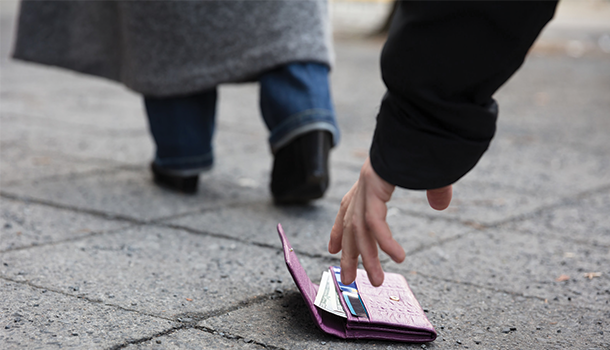
Time is of the essence. Calling us or using the Manage Your Card feature in the mobile app or online banking to lock your card as soon as possible can reduce your loss.
Please do not email us about a lost/stolen card or if you suspect fraud on your card. Calling us or using the Manage Your Card feature is the quickest way to prevent a loss.
During business hours: 1-844-538-3325
After hours, including weekends: 1-888-263-3370
Manage My Card using the Mobile App
Step by step
- Choose the More button at the bottom right on the home page of the mobile app.
- Tap the Manage My Card circle at the top right.
- Choose which card was lost/stolen.
- Choose Temporarily Lock Your Card and confirm you wish to lock your card.
- Once your card is locked, call the credit union at 1-844-538-3325 or choose Report Lost or Stolen Card and call the number given.
Manage My Card using Online Banking
Step by step
- Log in to your ItsMe247 Online Banking account.
- Near the bottom of the left column, you will find a card box. This may show your credit card or your debit card. Use the arrow next to the card name to switch between cards.
- Once you have chosen the correct card, click on the sliding bar to lock your card. Confirm you wish to lock your card.
- Once you have locked your card, call the credit union at 1-844-538-3325 or 1-888-263-3370 after business hours.